Installation
Slim SEO Pro is a WordPress plugin. You install it the same way you install any other WordPress plugin:
- Go to the My Account page and download the plugin's
.zipfile. - In your WordPress dashboard, go to Plugins > Add New and click the Upload Plugin button.
- Select the downloaded
.zipfile and click the Install Now button. - Activate the plugin.
Slim SEO Free vs Slim SEO Pro
Slim SEO Pro is not an upgrade of Slim SEO Free. They are two separate plugins, and each has its own set of features.
- Slim SEO Free focuses on core SEO essentials. It covers meta tags, sitemaps, Open Graph, schema markup, and more. It is a complete SEO plugin on its own.
- Slim SEO Pro focuses on advanced features. It covers the link manager, custom schemas, writing assistant, entities, Search Console integration, and Markdown for AI. It is also a complete plugin on its own.
Some features exist only in Free. Some exist only in Pro. A few overlap. For example, both Free and Pro can output schema markup. Pro lets you create custom schemas that Free does not.
Think of them as two separate tools that do different jobs. You can install just one, or both if you want the full set of features.
Should you install Slim SEO Free alongside Pro?
Slim SEO Pro works fine on its own. It does not require Slim SEO Free to run. You can use just Pro and get everything it offers.
If you want the features that only Slim SEO Free provides (like automatic meta tags, sitemaps, and Open Graph), then install and activate Slim SEO Free alongside Pro. Both plugins work well together and complement each other.
To install Slim SEO Free:
- Go to WordPress Dashboard > Plugins > Add New.
- Search for "Slim SEO".
- Click Install, then click Activate.

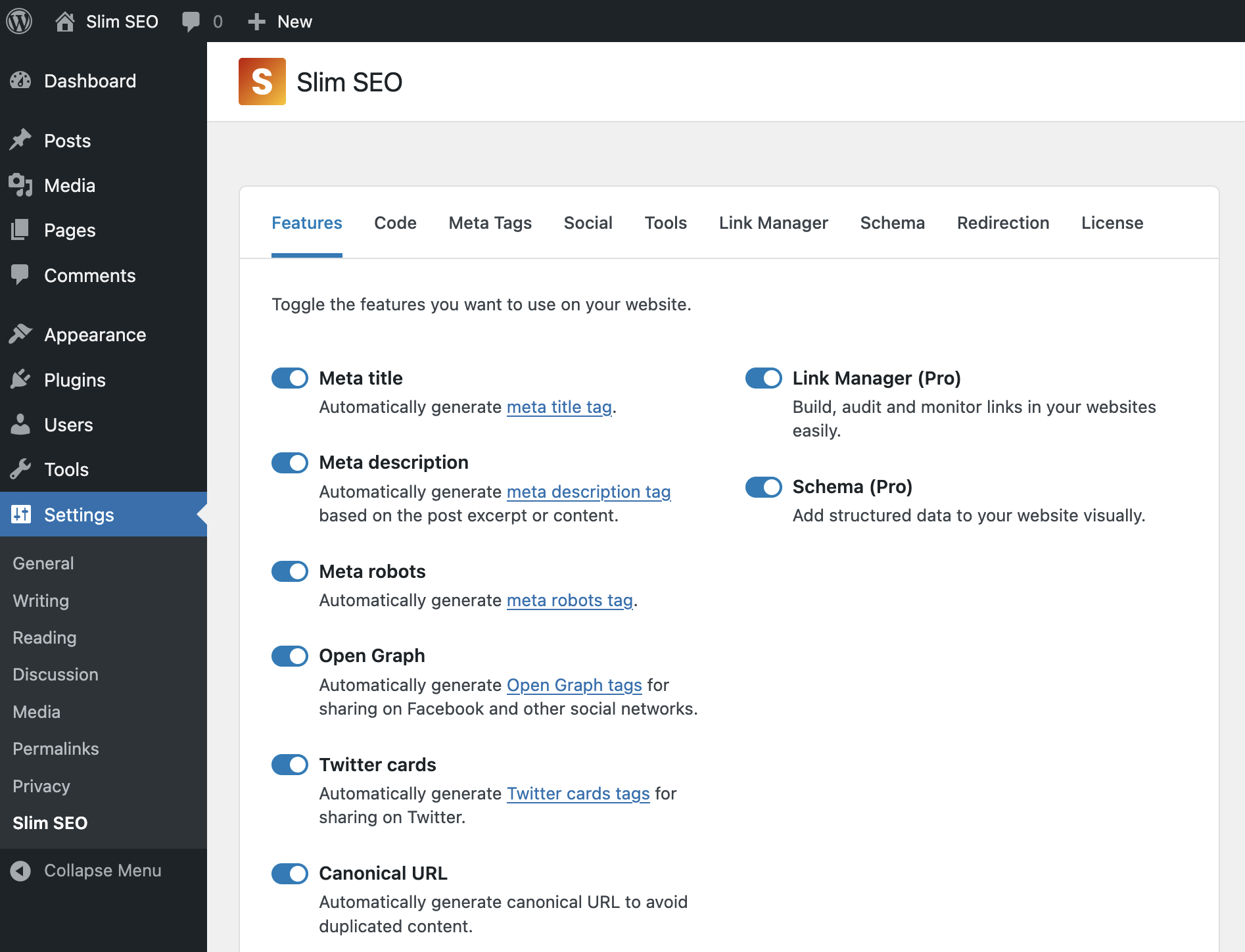
When both plugins are active, they share the same menu item under Settings > Slim SEO. Free's settings and Pro's settings combine into one page.
Slim SEO Pro also works with other SEO plugins such as Yoast SEO, RankMath, SEO Framework, and SEOPress.
After installing, go to Settings > Slim SEO to access the plugin's settings page.
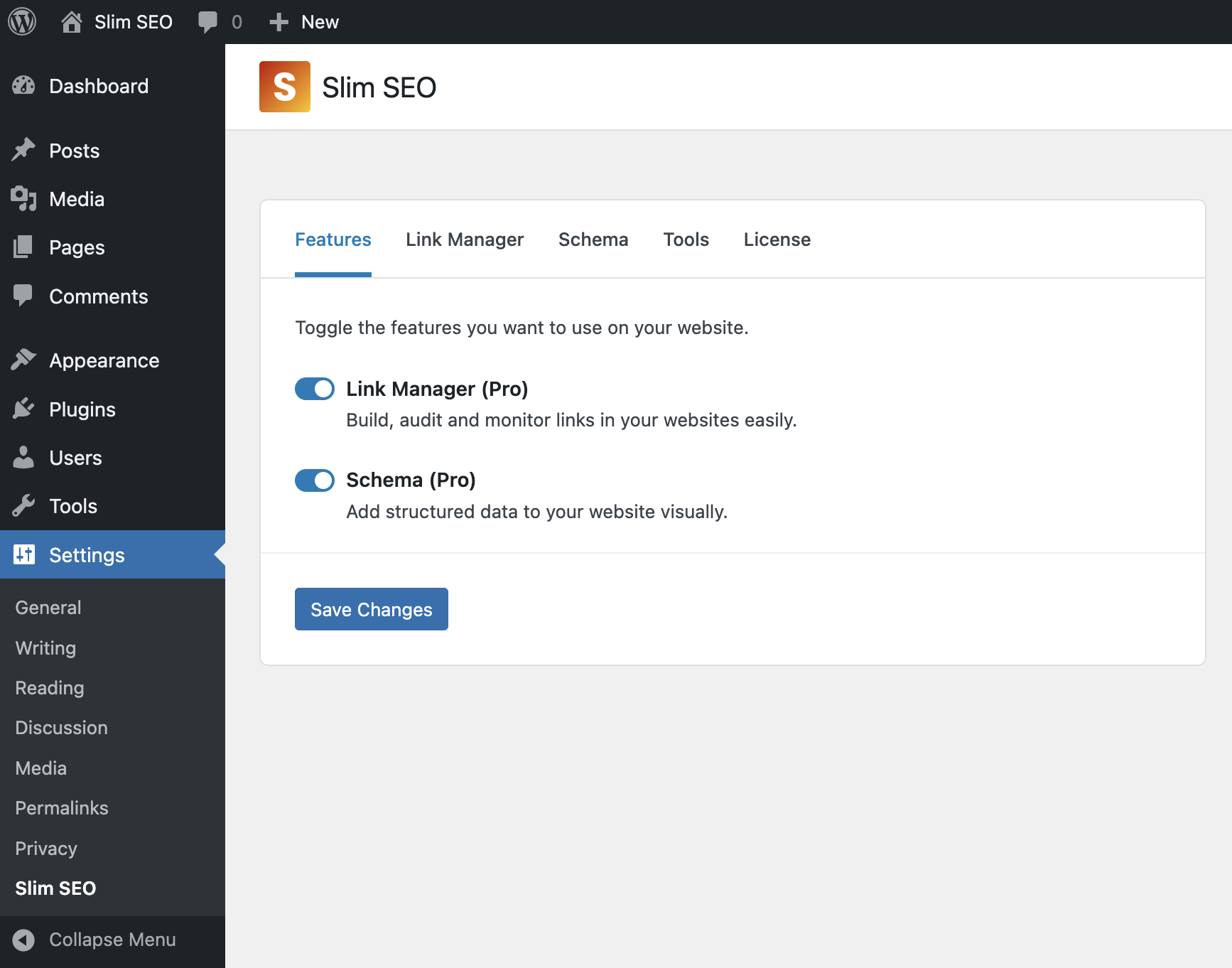
If you have Slim SEO Free activated, you will find Slim SEO Pro under the same menu. There are more tabs for more features from Slim SEO Free:
You need to add a license key to use the plugin.